Every shop that wants content on a screen goes through the same four options. None of them is wrong in the absolute — each one breaks at a specific point. This comparison shows where.
Option 1: a USB stick in the port
This is the default across retail: someone saves the artwork to a stick, plugs it into the TV and leaves it looping.
Where it works: content that never changes, a single screen, no internet. Where it breaks: on the second change. It needs a computer, it needs someone standing at the screen, and TVs are fussy about file formats — the famous “file not supported” that shows up in the middle of a Saturday.
Option 2: casting or screen mirroring from a phone
Where it works: a quick demo, a one-off event, showing something for ten minutes. Where it breaks: mirroring occupies your phone, drops when the handset locks, drops when someone calls you, and does not survive a full day of trading. It is not a store solution — it is a meeting-room solution.
Option 3: a YouTube loop or a browser playlist
Where it works: when you only want ambience, with no commercial purpose. Where it breaks: a YouTube advert in the middle of your content (sometimes a competitor’s), suggested videos on screen, autoplay that stops on its own and no control over order. Plus it needs internet all the time.
Option 4: a digital signage system
Where it works: when content changes with any regularity, when there is more than one screen, or when the person publishing is not the person in the shop. Where it breaks: when it is the old corporate model — expensive player, licence per screen, technical installation and an interface only an IT department understands.
| USB stick | Casting | YouTube loop | System (TagLine) | |
|---|---|---|---|---|
| Change content remotely | No | No | Partly | Yes |
| Works without internet | Yes | No | No | Yes (once downloaded) |
| Several screens at once | No | No | No | Yes |
| Occupies your phone | No | Yes | No | No |
| Risk of third-party adverts | No | No | Yes | No |
| Monthly cost | Zero | Zero | Zero | Subscription |
| Cost in staff time | High | High | Medium | Low |
The question that decides it
It is not “which is cheapest” — it is how often your content changes.
- Does your pricing change more than once a month?
- Do you run weekend or time-of-day promotions?
- Do you have — or will you have — more than one screen?
- Is the person publishing always inside the shop?
- Have you already lost content to a corrupted USB stick?
Two or more answers pointing to frequent change and the USB stick is already costing more than the subscription — only in hours, not in money. The detailed sum is in what indoor media really costs.
The middle path that works
Plenty of shops start by mixing: they keep the entertainment (music video, a match, a channel) and slot commercial pieces in between. That is perfectly possible — and it is usually the format staff accept most easily, because it does not change the mood of the room, it just puts the screen to work.
Leaving the USB stick behind takes two minutes
Open it in the TV browser, pair with your phone via QR code and publish. You only pay once your TV is on air.
Get startedFrequently asked questions
Is casting really no good for a store?+
It is fine for demos and one-off use. For continuous operation it depends on a phone or computer staying connected, and any interruption takes the display down.
Can I keep a USB stick on one screen and a system on another?+
You can, and it is common during a transition. The problem shows up when both screens need the same campaign — one of them is always out of date.
Does a signage system need a computer in the shop?+
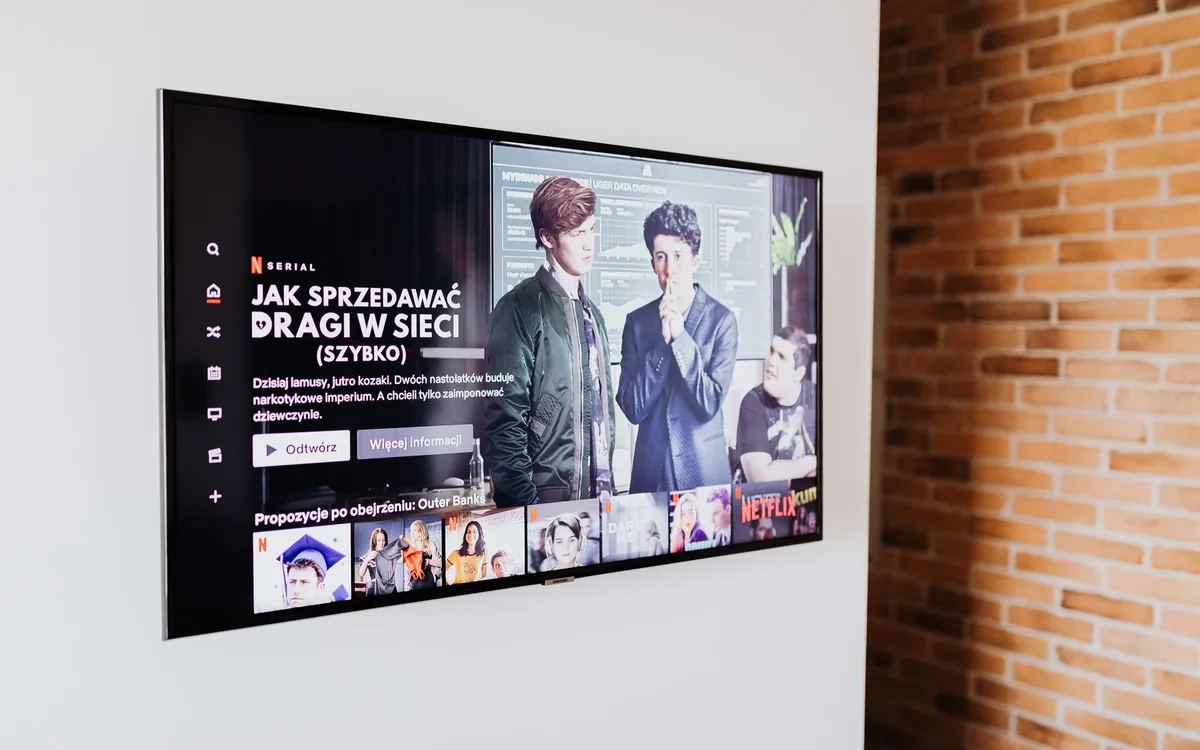
The old model did. The cloud model does not: the TV opens the content in its browser and control happens on your phone.
What if I already pay for an expensive per-screen system?+
Compare the cost per screen against what you actually use. Most corporate features — integrations, complex scheduling, multi-zone layouts — are never used in a high-street shop.