Almost every answer you find online is “it depends”. It does — but the sum has five lines, and every one of them has a known market value. Let us go through them.
1. The screen
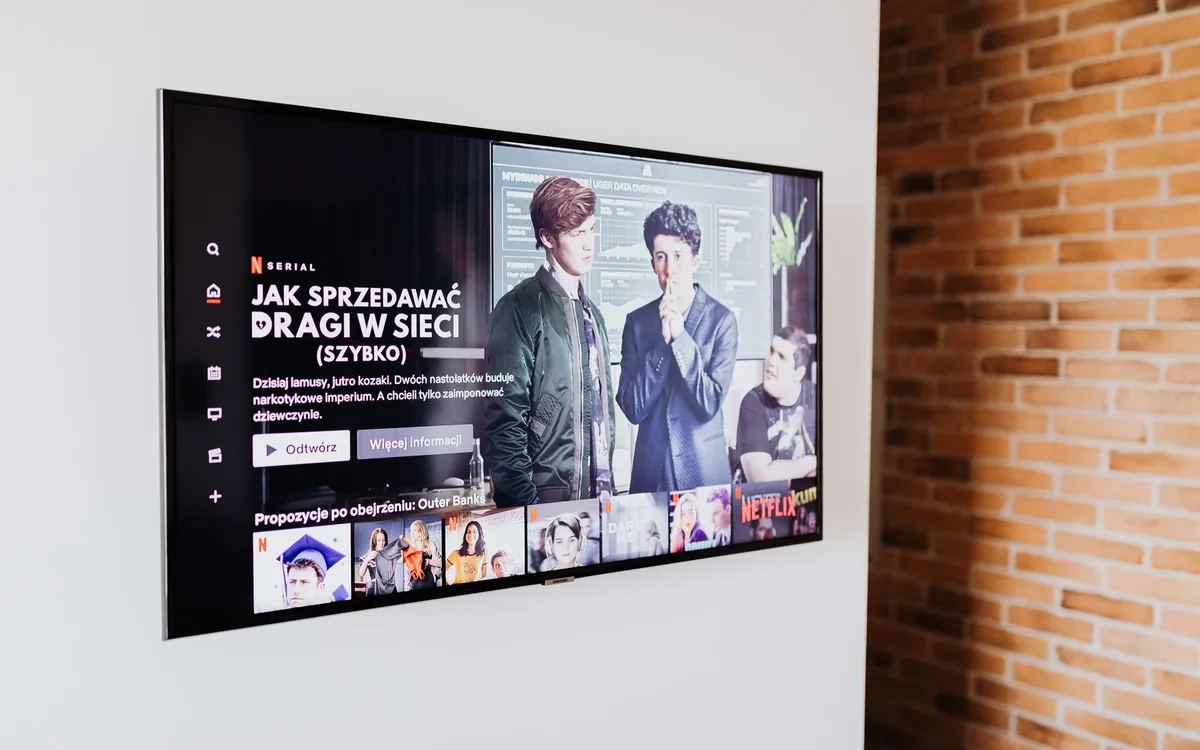
This is the line most people expect to pay for, and usually do not. The screen already in your store will do. If you are buying, an entry-level 43" smart TV covers most counter and reception cases. Professional displays — high brightness, rated for 24-hour use — only make sense in a window in direct sun or an operation that never switches off.
Buying a big screen before deciding what will play on it. The return comes from content and placement, not from inches.
2. The device that runs the content
If the TV is smart and has a browser, this line is zero — the system opens on the set itself. If the TV is old or its browser is poor, an entry-level Android device on the HDMI port solves it. That is a one-off cost, far below any professional signage player.
3. Internet
You do not need a dedicated line. Content is downloaded once and stored on the device; internet is for updating, not for displaying. In practice, the same connection that runs your card terminal is enough.
4. The software subscription
This is the recurring cost and the easiest to compare. TagLine starts at a low monthly fee per screen, and you only pay once your TV is on air.
| Item | If you already have a store | Starting from scratch |
|---|---|---|
| Screen | Zero — use what you have | Cost of an entry-level smart TV |
| Device / player | Zero if the TV is smart | Basic Android on HDMI, one-off |
| Internet | Zero — use the store’s | The same line as the card terminal |
| Software | Monthly subscription | Monthly subscription |
| Technical installation | Zero | Zero — pairing is by QR code |
5. The cost nobody puts in the spreadsheet: time
This is the real cost of most USB-stick operations. Someone downloads the file, converts it, copies it, goes to the store, switches off the TV, plugs it in, tests it. Half an hour per change, two changes a week, four weeks: four hours a month of somebody — usually the owner.
When publishing moves to a phone, that line drops to near zero. That is where the system pays for itself before it sells anything extra.
How much the screen has to sell to pay for itself
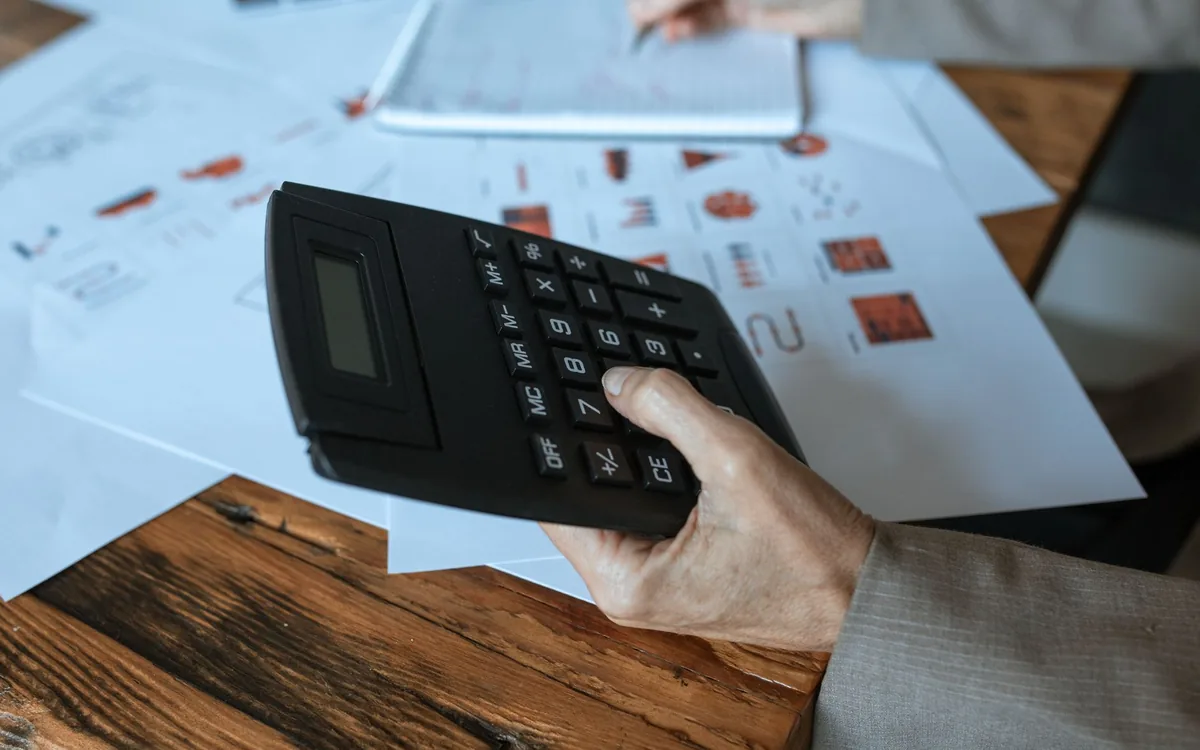
Here is the sum that matters. Take your monthly subscription and divide it by 30. That is your daily cost. Then:
- Restaurant with a $5 margin per combo: one extra combo every few days covers the month
- Barbershop selling pomade with a $12 margin: three jars in the month cover it and leave change
- Salon with a $100 package: one extra package covers several months of subscription
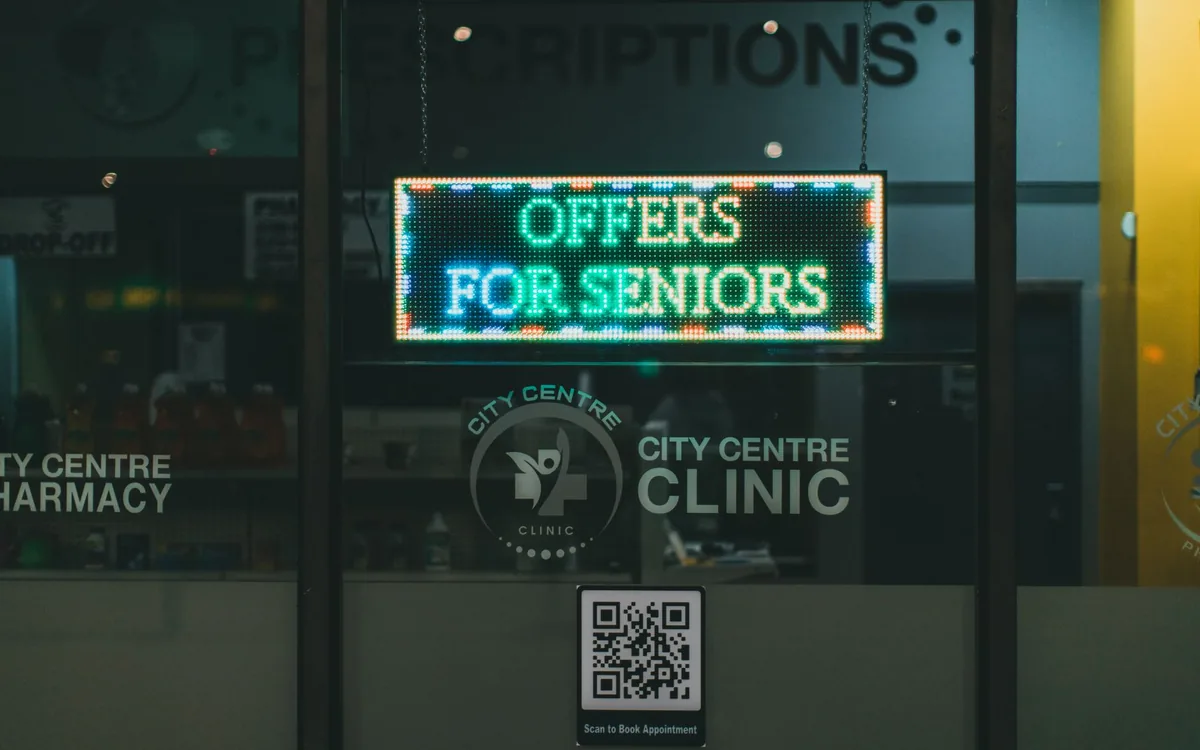
- Clinic: one recovered follow-up appointment usually covers the year
This is not a promise of results — it is break-even arithmetic. The question worth asking is: can your screen change one decision every few days? If it can, the cost stops being relevant.
Where indoor media does get expensive
- A professional display where a normal one would do. The price gap is several times over.
- Separate player and licence, in the old corporate signage model.
- An agency for every piece. If every change depends on a third party, the operation stalls and the cost climbs.
- A long contract with a penalty. A system that locks you in for 12 months is charging you for its own risk.
If you are comparing options before deciding, the comparison between digital signage, USB sticks and casting shows where each one breaks in practice.
Run the sum with your own margin
See how much your screen needs to sell to pay for itself. You only pay once your TV is on air, with no lock-in: if it does not stack up, simply do not continue.
Get startedFrequently asked questions
Is there an installation fee?+
No. Pairing between screen and phone is done with a QR code — no site visit, no new cabling, no network configuration.
Do I pay per screen or per store?+
The subscription follows the number of screens in the plan — that is how a single-screen shop pays less than a ten-screen chain.
Do I have to sign a minimum term?+
No. The monthly plan is recurring and can be cancelled; the annual one is a single discounted payment, with no lock-in and no penalty.
What about the electricity of a screen running all day?+
A 43" LED TV draws roughly 60 to 100 W. Ten hours a day, that is a few units of currency a month — well below the cost of reprinting posters.