Indoor media (or digital signage) is the use of screens inside a business to communicate, inform and sell: menus, promotions, videos, notices and advertising. It is the fastest-growing medium in retail — and the one that gets a message closest to the moment of decision.
What indoor media actually is
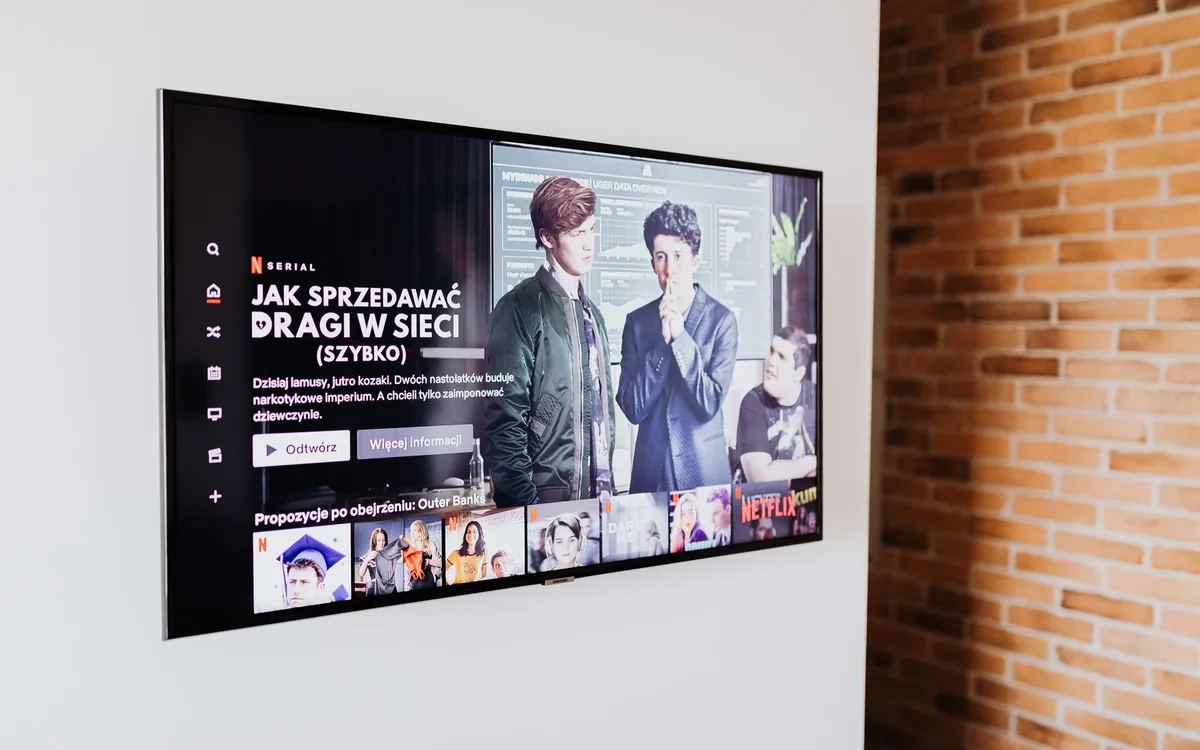
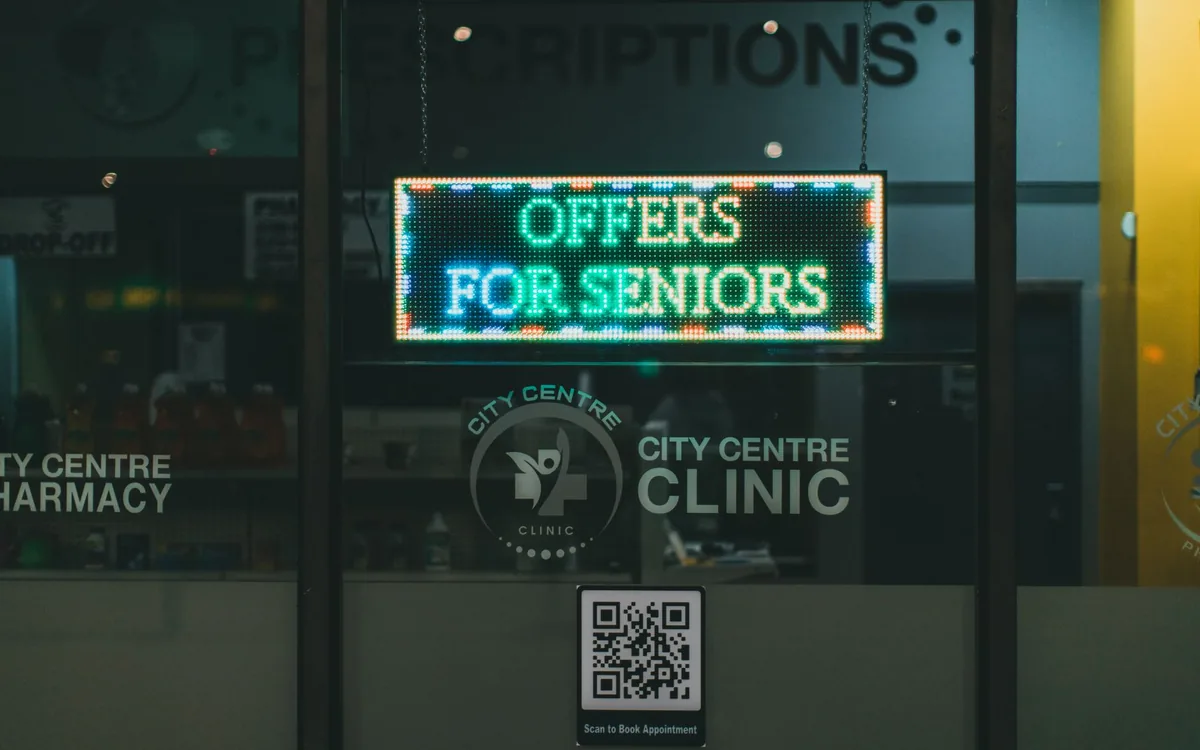
Any communication shown on a screen inside a physical location is indoor media: the menu on the screen above a takeaway counter, the promotion in a supermarket aisle, the notice in a clinic reception, the corporate video in an office lift.
The difference from traditional media is timing. Billboards and radio speak to someone far from the purchase. A screen inside the store speaks to someone standing metres from the product, with money in hand and the decision still open.
Indoor media is not about having a nice screen. It exists to change a decision that is happening right now, inside your store.
Where indoor media works best
Screens pay off where two conditions meet: footfall and stationary attention. Queues, waiting areas and payment counters are the best spots in any business.
| Type of business | Where the screen pays off most | What it solves |
|---|---|---|
| Restaurants | Queue and order counter | Combos, drinks and dessert in the order |
| Clinics | Reception | Perceived waiting and unknown services |
| Salons and barbershops | Waiting and wash area | Average ticket and retail products |
| Clothing stores | Fitting room and till | Complete looks and cross-selling |
| Supermarkets | Entrance and checkout queue | Daily offers and stock turnover |
| Malls | Food court and corridors | Media revenue from tenants |
What indoor media costs
It used to require expensive players, software licences and technical installation. Today, with a cloud system, you use the smart TVs you already own and pay a simple subscription. No USB stick, no server, no technician.
If you want to run the full sum for your own case — hardware, internet, staff time and how much the screen needs to sell to pay for itself — see what indoor media really costs.
How to start on the cheap
A smart TV, an Android box or a streaming stick you already own will do. A new screen is the last thing to buy, not the first.
You open the address in the TV’s own browser — nothing to install on a computer.
A QR code links the screen to your phone. From then on, everything is published from the phone.
Start with three pieces: your main offer, your most profitable service, and your Instagram.
- Which decision you want to change (order the combo? book again? discover a service?)
- Where the person is standing still and looking
- How many pieces are in the loop and how often they change
- Who on the team is responsible for updating it
- How you will know it worked (asking at the till is enough to start)
Are indoor media and digital signage the same thing?
For a shop owner, yes. Digital signage is the technical name for the screen system — the software, the player, the scheduling. Indoor media is its commercial use inside the point of sale. Vendors use the first term; people who sell at a counter use the second.
The most common mistake when starting out
Switching the TV to a broadcast channel or a three-minute corporate video and calling it indoor media. A screen with no commercial purpose becomes expensive decoration: nobody looks at it after the first week.
The opposite is also a mistake: filling the screen with offers, with no breathing room. What works in practice is alternating useful content (a tip, information, entertainment) with short, specific offers. The checklist for a screen that sells has the 15 items of that standard.
Quer aplicar isso nas TVs do seu negócio?
With TagLine you publish campaigns, promotions and content to your screens from anywhere — straight from your phone, no USB stick.
Get startedFrequently asked questions
Does indoor media work for a small business?+
It does, and sometimes better: in a small shop the screen is seen by everyone who walks in, and the cost per person reached is tiny. What changes is the expectation — one screen solves one decision, not the whole operation.
Do I need fast internet?+
You need internet to publish and sync the content. Once downloaded, the material is stored on the device and keeps playing even if the connection drops.
Can I use the screen already in my store?+
You can. Any smart TV with a browser, or a standard TV with an Android device plugged into HDMI, will do.
How many screens do I need?+
Start with one, at the main decision point. A second one only makes sense when there is genuinely a second decision point — not to repeat the same message in the same room.