If you run a restaurant, a diner or a café, you have felt this: the printed menu is always out of date. Meat goes up, a dish runs out, the combo changes — and off you go to reprint everything. A digital menu fixes that and sells for you as well. But is it worth it? Let us look at the numbers.
What a digital menu on screen actually is
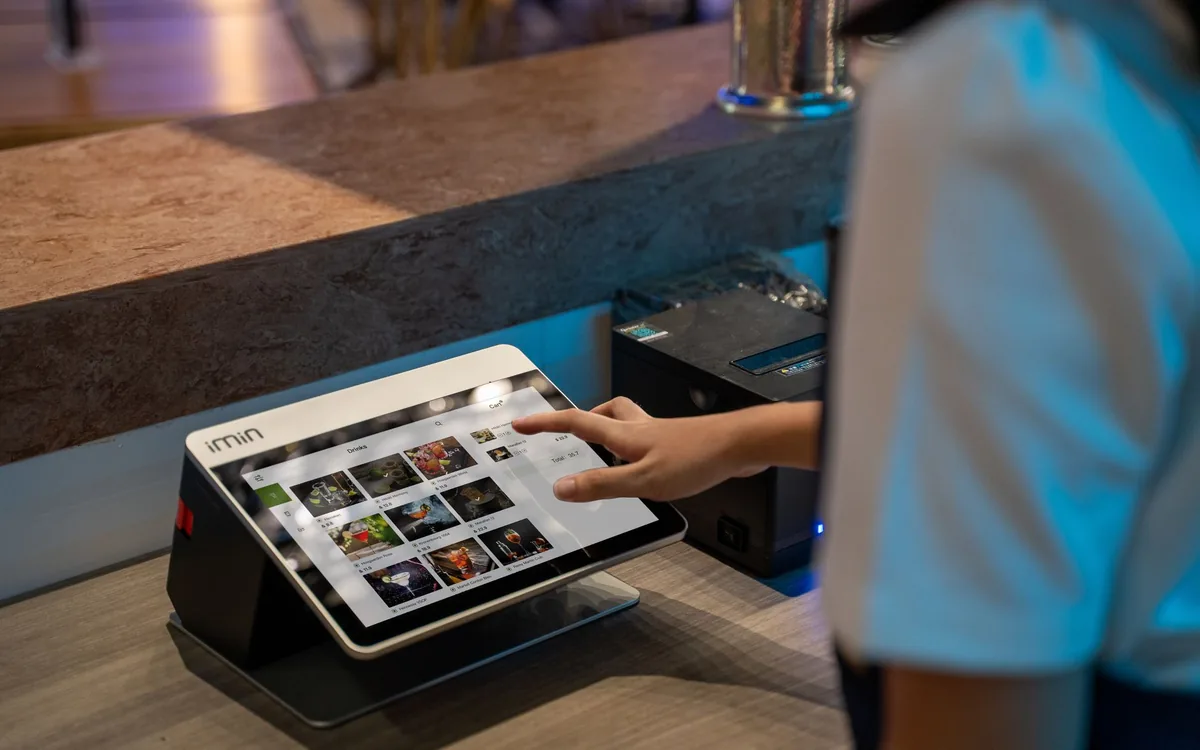
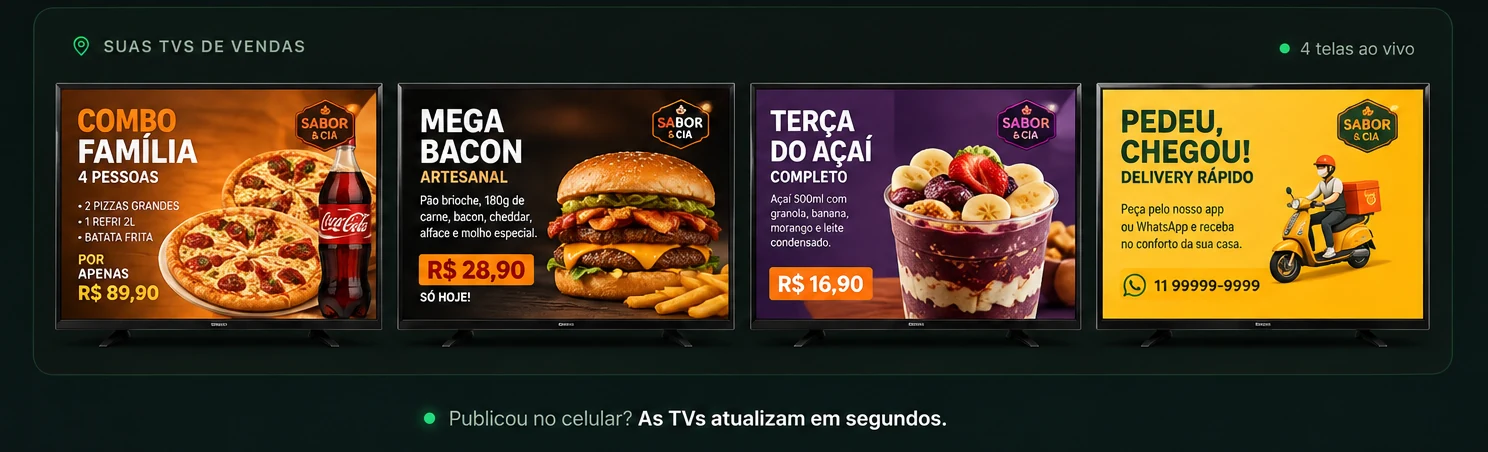
It is your menu displayed on a smart TV in the venue, updated by software. Instead of paper, you show dish photos, prices, combos and promotions — and change all of it in seconds, from anywhere, on your phone. With TagLine you do that with no USB stick and no computer: you open it in the TV’s own browser and pair it with your phone via QR code.
Is a digital menu worth it? What the research shows
Short answer: yes, and the impact on sales is measurable. Some figures from industry studies:
43% of fast-food restaurants noticed a perceptible rise in sales after swapping the printed menu for a digital one (National Restaurant Association).
Up to +38% — how much sales of a single item can rise when it is featured on screen: a large photo makes mouths water and pulls the order.
+29% average increase in impulse purchases with a digital menu in the room (Digital Signage Today).
In other words: the screen is not just decorative — it works as a silent salesperson, featuring what carries the best margin and nudging the customer towards the combo of the day.
Five practical advantages day to day
- Change a price instantly. Value changed? Edit on your phone and every screen updates at once.
- Photos that sell. A well-shot dish on screen converts far better than text on paper.
- Free daily promotions. Create “today is X day” in seconds, with no printing cost.
- No rework. Nothing to reprint every time something changes.
- Everything in one place. Menu, combos, videos and even your Instagram posts running automatically.
Digital menu vs printed menu: the real cost
A quality printed menu is expensive, ages fast and has to be remade with every change. A digital one is a fixed monthly subscription — and you update it as often as you like at no extra cost. Within a few months the digital option is both cheaper and selling more.
| Printed menu | Digital menu on screen | |
|---|---|---|
| Changing one price | Reprint everything | Seconds, from your phone |
| Cost per change | A print run each time | Zero |
| Showing a dish photo | Adds to printing cost | Included |
| Time-based promotion | Not workable | Schedulable |
| Physical wear | Tears, stains, goes missing | Does not exist |
How to get your digital menu on screen, step by step
It takes two minutes, and you only pay once your TV is on air.
Type the address into the smart TV browser and pair it with your phone via QR code.
Upload photos, prices and combos. Start with your highest-margin items, not the bestsellers.
It appears on screen instantly. Done.
Once the menu is live, the next step is using the screen to lift the ticket: see how to raise your restaurant’s average ticket and how to run time-based promotions.
Ready to put your screen to work?
Sign up in two minutes. You only pay once your TV is on air. Publish from your phone and see the difference.
Get startedFrequently asked questions
Do digital menus work in a small restaurant?+
They do. In a small venue the effect is often faster, because one screen covers the whole queue and everyone who walks in passes it.
Do I need to photograph every dish?+
No. Start with the 5 to 8 items with the best margin. A dish without a good photo sells better with a well-written name and a clear price than with a poor photo.
Can I change the menu mid-service?+
You can. It is the classic “we’ve run out of the special” case: you take it down from your phone and the screen updates in seconds, with nobody touching it.
Does a digital menu replace the QR code on the table?+
They are different and complementary. The QR code is the full menu, in the customer’s hand. The screen is what they see before deciding — and that is where the combo and the dessert enter the order.