Have you ever lost content because a USB stick corrupted? Or had to call “someone who knows computers” just to change the video on your store screen? The USB stick is by far the worst friend a shop owner has. The good news: you can put promotions, menus and videos on the screen straight from your phone, with no stick at all.
Why the USB stick is a problem
- It goes missing and corrupts. One day the screen shows “file not supported” and nobody knows why.
- It needs a computer. To change the content, someone has to download it and copy it across.
- It is slow to update. Flash promotion? By the time you get to the stick, the day is over.
- It does not scale. Two or three screens? That is a stick for every one of them — each with a different version.
- Nobody knows what is playing. With no record, you find out the offer expired when a customer complains at the till.
How it works without one
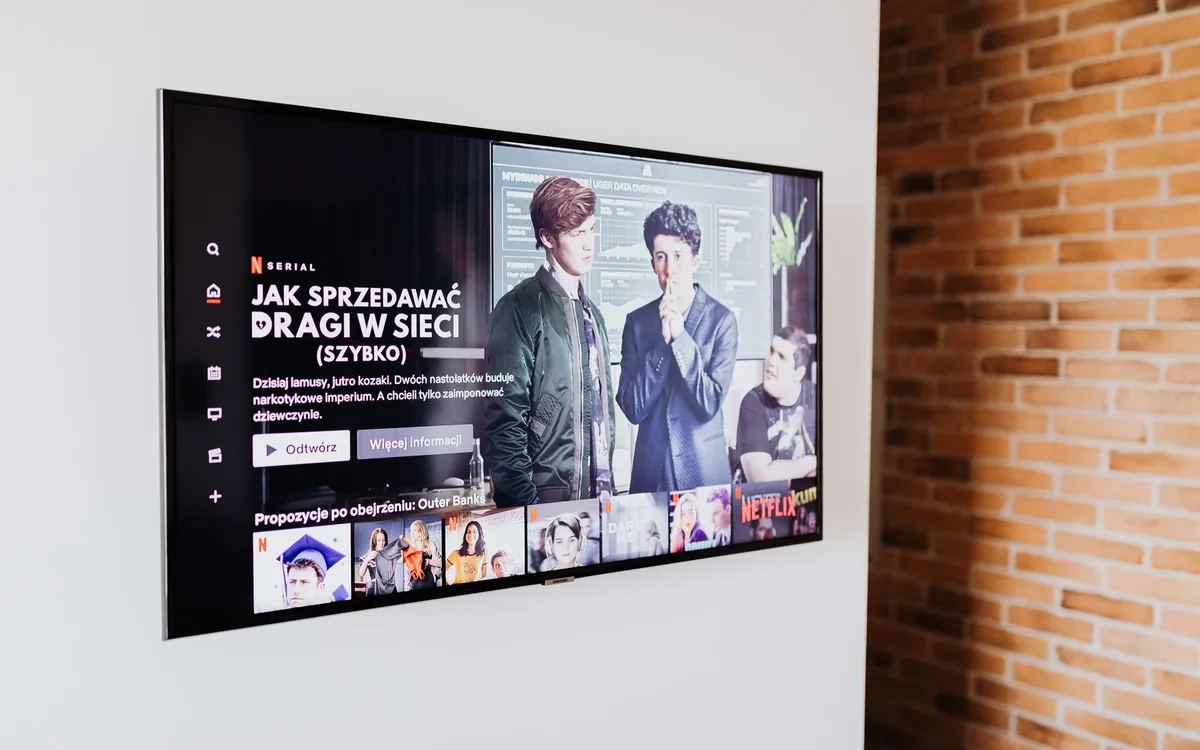
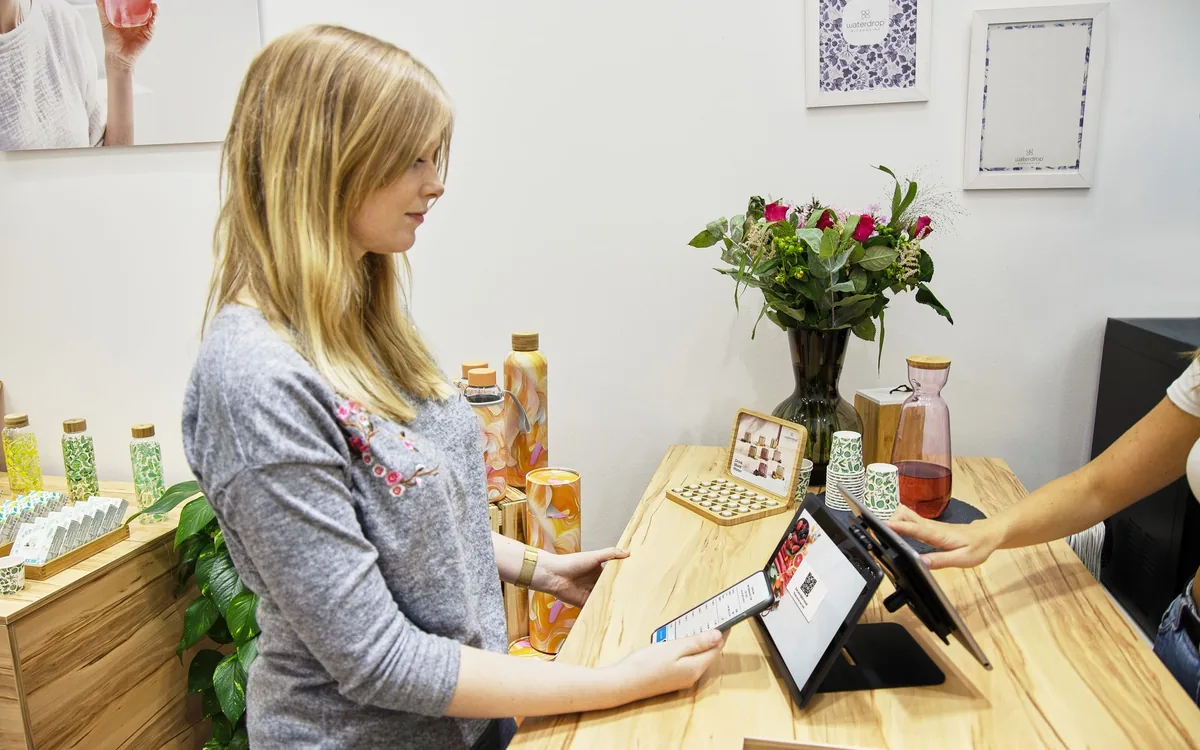
Instead of a file on a stick, the content lives in the cloud and the screen pulls it down on its own. With TagLine it works like this: you open the address in the smart TV’s own browser (or on an Android box or streaming stick), pair it with your phone via QR code, and from then on you control everything from the phone. Publish a photo or video on your phone and it appears on the screen in seconds.
Step by step, with no technician
It takes about two minutes, and you only pay once your TV is on air.
Through the smart TV’s own browser, or an Android device plugged into the HDMI port.
The screen shows a code; your phone reads it and the two are paired. That is the only moment you need to be in front of the screen.
Photos, videos, promotions and posts. From inside the shop or from home — it makes no difference.
What you gain by dropping the stick
- Update from anywhere. You do not even need to be in the shop.
- Several screens at once. Publish once, appear everywhere — which solves life for anyone with more than one location.
- It keeps playing offline. The screen stores the content; if the internet drops, it does not go black.
- Zero maintenance. No formatting sticks, no calling a technician.
- A record of what was published. You know what is on air on each screen.
- The video is landscape (16:9), not portrait cropped at the sides
- The text is big enough to read from three metres away
- There is a clear price or call to action — not just a pretty image
- The piece lasts between 8 and 15 seconds (a real glance)
- The offer has a date to come off the screen
What if the shop internet drops?
That is the number one fear when leaving the USB stick behind — and it is a fair one. The correct behaviour for a screen system is to download the content and store it on the device: internet is for updating, not for displaying. If the connection drops, the loop keeps running with what is already there.
When a USB stick still makes sense
In exactly one case: an isolated screen, with no possible internet, showing content that never changes. If your content changes even once a month, the stick already costs you more — not in money, but in time and in expired offers left on screen.
If you run a restaurant, see the digital menu guide. To understand the market behind all this, read what indoor media is.
Quer aplicar isso nas TVs do seu negócio?
With TagLine you publish campaigns, promotions and content to your screens from anywhere — straight from your phone, no USB stick.
Get startedFrequently asked questions
Does it work on any smart TV?+
It works on TVs with a browser (most recent Samsung, LG, TCL and Roku sets). On older or locked-down models, a cheap entry-level Android device on the HDMI port solves it.
Do I have to leave my phone connected to the TV?+
No. The phone is only the remote control: once you publish, it can be switched off or leave the shop. The screen keeps playing on its own.
Can I publish from home, outside opening hours?+
You can. It is one of the biggest advantages: you prepare the week’s campaign at night and it goes live in the shop without you being there.
What if I have three screens showing different things?+
That is the normal scenario. Each screen can have its own schedule — menu at the counter, promotions in the dining area, brand content in the window.